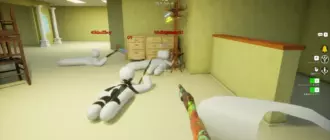
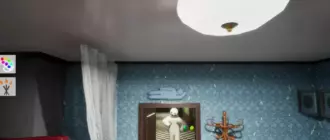
I spent my early matches getting tagged instantly so you do not have to.
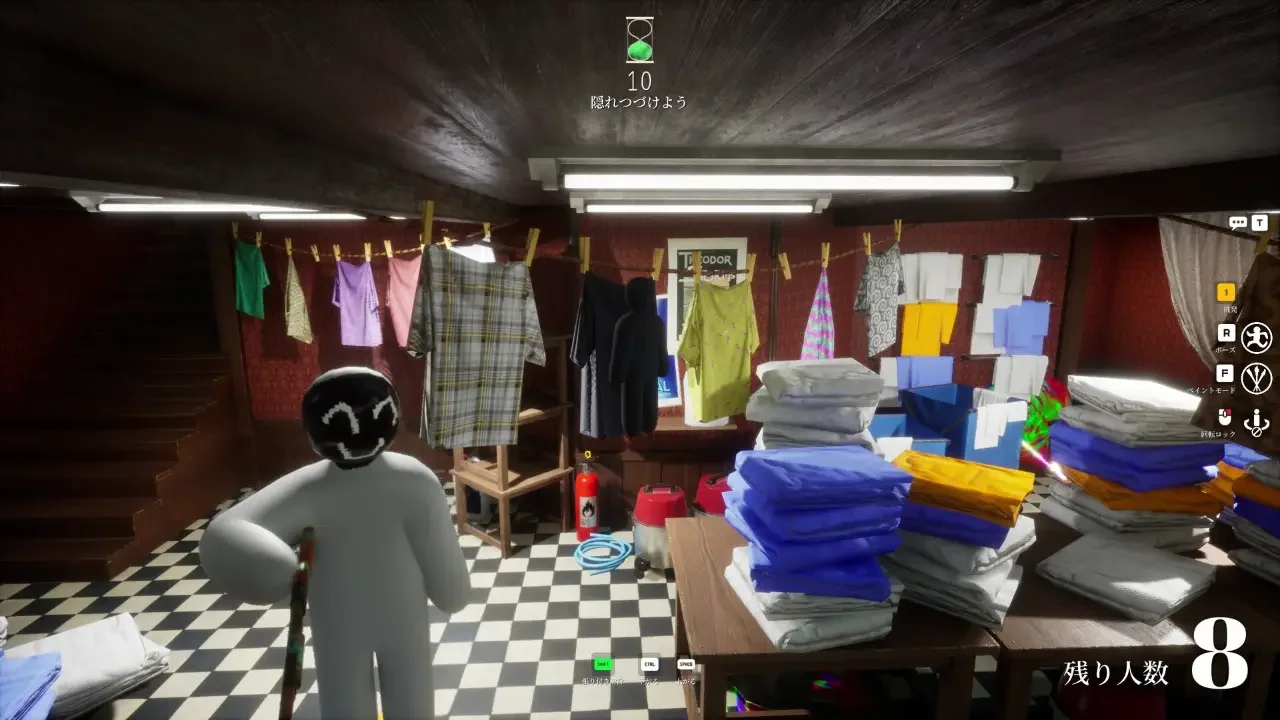
This $5.99 Steam party title looks incredibly simple on the surface. You load in as a blank white 3D stick figure, slap some paint on your body, find a corner, and pray the hunter walks past you. Before you waste an entire evening getting caught right out of the gate, you need to understand how the stealth mechanics actually function. Winning demands sharp observation, quick decision making, and a complete mastery of your camouflage tools.
The Match Flow
Every single match runs through three distinct phases in the exact same order.
The lobby phase exists purely to confirm everyone is running the exact same game version. I learned the hard way that one outdated client completely breaks the Windows-only matchmaking system. Once everyone is synced up, you enter the prep phase. You get a painfully short window to roam the level, lock in your location, paint your body, and strike a pose. The hunters are completely frozen during this time. I highly recommend picking a simple surface early on rather than wandering aimlessly and running out of time. Finally, the hunt phase kicks off. Hunters are unleashed to scan the room, and you have absolutely zero room to adjust your position. You freeze and trust your paint job.
Mastering the Paint Tool
Opening the paint menu by pressing the F key while standing in the middle of a room is a guaranteed death sentence.
Always walk directly to your exact hiding spot first. I hold the Space bar to use the eyedropper tool and hover my mouse over the exact surface I plan to lean against. Grabbing the exact color of the wall or crate saves precious seconds. Picking an area with multiple colors and heavy visual clutter makes it much easier to shade your body and hide minor imperfections.
Understand Lighting and Textures
A flat color looks entirely fake on a 3D character model. Real objects shift from light to shadow depending on the light source in the room. You must find where the room light originates, brighten the side of your body facing that light, and darken the opposite side using the HSV sliders. Nailing one extra shadow tone gives your character depth and helps you look like a natural piece of the environment.
You also have access to metallic and roughness sliders. Never skip these. Drop the metallic value on matte surfaces like wood or plaster. Crank up the roughness for heavily textured walls. A perfect color match means absolutely nothing if your body shines like polished plastic against a dull brick wall.
Shaping Your Silhouette
Your human outline will give you away far faster than a sloppy paint job.
Hold the R key to open the emote wheel and pick a pose that matches the geometry of your environment. Use a compact crouch for low furniture or lie completely flat for floor hides. You can even open the ESC menu to move your upper body and arch into awkward shapes. The goal is to imitate objects like a painting, a vase, or food on a shelf.
The Camera Check
Before the prep timer fires, tap the F key to change your camera angle or hold the middle mouse button to rotate completely around your character. First-person view lies to you constantly. What looks flawless on your screen might be incredibly obvious from the angle a hunter approaches. Look closely for unpainted white elbows, gaps between your limbs, and awkward edges.
Spots to Avoid
I completely avoid hiding directly behind large furniture like sofas or tables. It is the absolute first place any hunter checks. I also stay away from open flat walls and ceiling attachments. Flat walls offer zero visual noise to hide your paint imperfections, making your human silhouette stick out immediately.
Surviving the Hunt
Once the hunt begins, your only job is absolute stillness.
Even the smallest camera twitch can draw attention and ruin your disguise. If you get bored staring at the same wall while the hunters search, use the Free Camera system. Press the 5 key to automatically target and follow the hunters around the map. If you want to roam the map yourself to scout out better spots for the next round, push the 4 key to activate the free roam camera. To undo the camera changes, just press 4 and then 5.
Scoring High and Running
If you feel confident in your camouflage skills, you can purposefully choose highly exposed spots. The game awards you more points for spending time directly within the hunters’ line of sight. Tucking yourself into a dark corner is safe, but sitting right on a main walking path will make your score climb exponentially. Just make sure you are ready to run if you realize they made eye contact. You get massive bonus points for being in their view, so leading them on a chase pays out well.
Game Modes and Settings
Depending on how chaotic you want the lobby, the host can tweak the rules and apply visual filters.
I sometimes throw on the Monochrome filter to make everything black and white, or mix Horror and Mosaic to completely mess with my depth perception. The host can also turn on Forced Taunt, requiring everyone to hit the 1 key and whistle at set intervals. Beyond the modifiers, there are three primary game modes you can load into.
| Game Mode | How It Works |
|---|---|
| Basic | You split into two teams to see if the hunters can track you down before time runs out. |
| Infection | You start by hiding. Once tagged, you immediately switch teams and become a hunter. |
| Double | Everyone hides during the prep phase. When the hunt begins, you all switch to hunting simultaneously to rack up points. |